
HalfEagle Blog archive
Wood Badge Recruiting Tools
Are you staffing an upcoming Wood Badge course? Wood Badge courses are unique in that there is a minimum quantity of participants required for a course to be approved. In some councils, it can be a struggle to meet this requirement. Below are some resources to aid in electronic recruiting.
Email Signatures
Many Scouters have a unique signature at the bottom of their emails that they send to fellow Scouters. This can be a really effective way to get the word out about upcoming events if you follow these rules:
- Only promote one event at a time. (Your signature should not look like Times Square.)
- Rotate your promotion every three months to avoid banner blindness.
- Keep the promotion simple. You want to entice them to click to learn more, not get all the information they need from your signature.
Below are a variety of images that you can use to promote an upcoming Wood Badge course in your council. Make sure you LINK this to the SPECIFIC page of your council website that has information about the upcoming course!
Every email client is different, here’s tutorials for the most popular:
        |
        |
Remember to change to a different image every 90 days so people notice it!
Facebook Profile Cover Photos
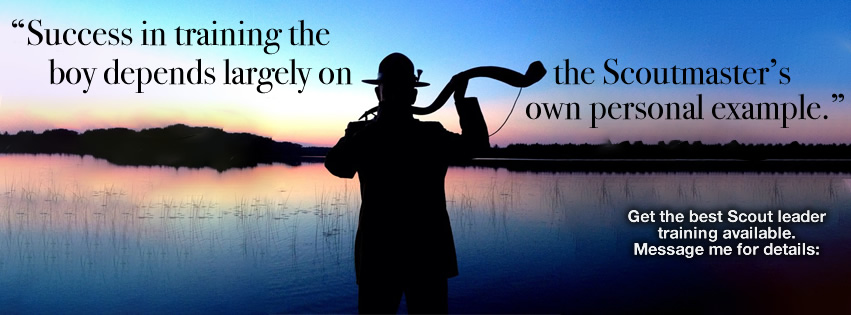
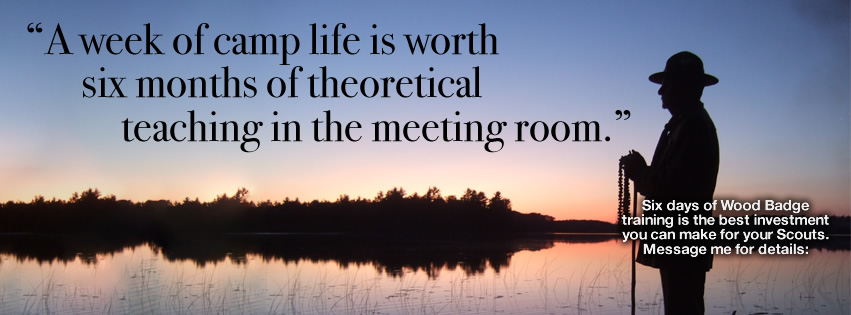
If you have a personal Facebook account, changing your cover photo to something Wood Badge related is a great way to spark online conversations about Wood Badge. It also shows how important this training is to you for it to be your cover photo for a few months. Many people want to have the cover photo convey all the information about the training. However, it’s better for this to be a teaser that gets people to ASK you about the training.
Feel free to use any of these images!


Need more graphics?
What other electronic promotion methods are possible? Leave a comment below with the service and what sort of graphic could be made!